


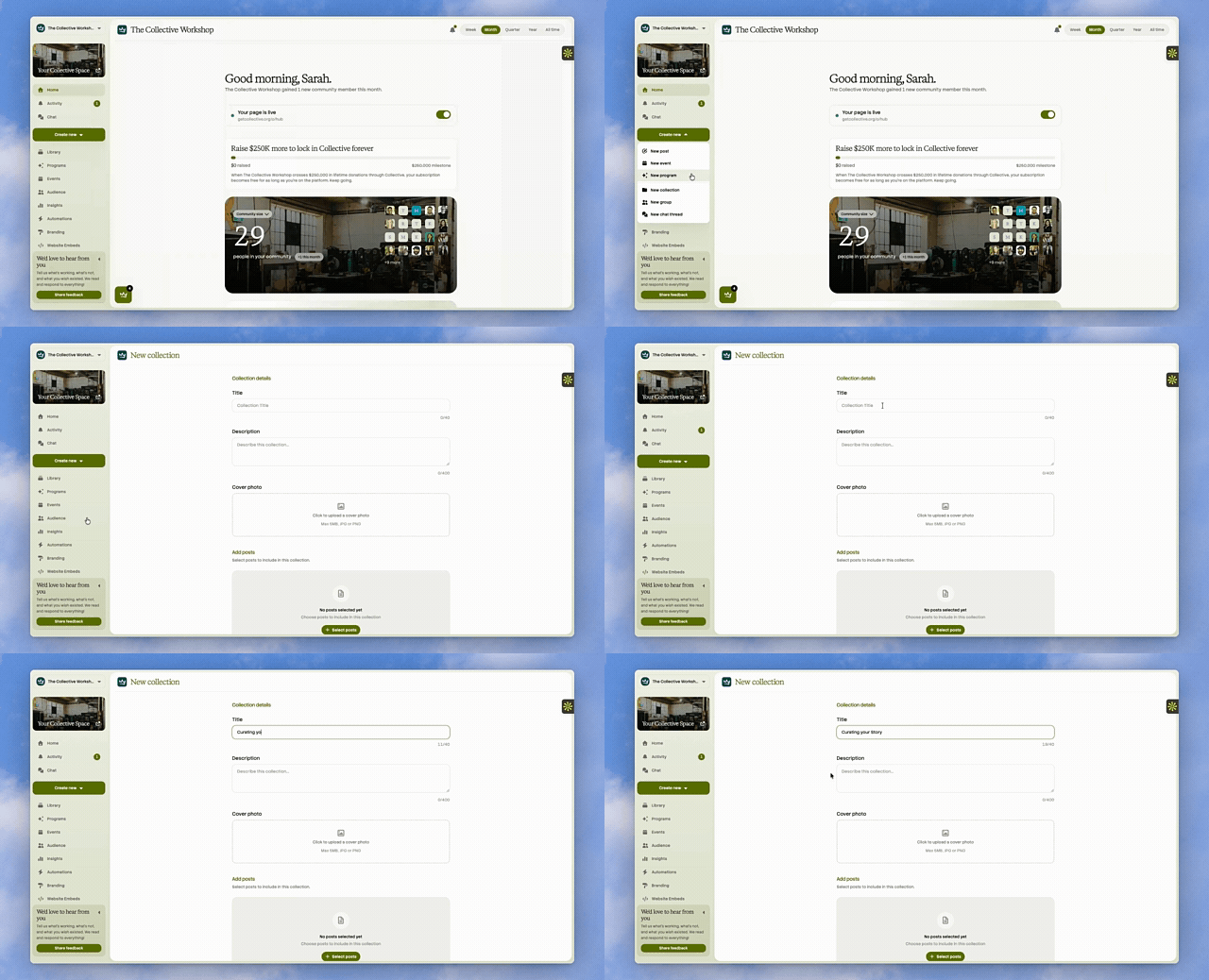
 Jul 8Curating your CollectionsA few months into posting regularly, every organization hits the same wall: the feed works, but it's just one long scroll. Somewhere in that scroll is everything a new donor would need to understand your gala. Somewhere else is your whole Instagram history from the tutoring program you ran last spring. A visitor would have to scroll past a year of posts to find either one. Collections are how you pull a themed set out of the scroll and give it its own page. Here's how to build the first one. Create the collection In Library, open the Collections tab. If this is your first one, you'll see an empty slate with a single button: Create your first collection. Give it a name. Keep it short: forty characters, about the length of a good headline, is the limit. Winter Fundraiser 2026 works better than All Our Fundraising Events From This Past Winter. An emoji and a short description are optional but worth adding. The description is what a visitor reads at the top of the page, so a sentence about what's inside earns its place. Add posts, one at a time or a dozen at once There are two ways to fill a collection, and which one you use depends on whether the posts already exist. If you're building from scratch, open the collection you just created and switch to the Manage Posts tab. You'll see every post in your library split into two sections: what's already in the collection, and what's available to add. Click to toggle any post in or out. If you already know which posts belong together, go the other direction. From the Posts tab, select the posts you want (five, twenty, however many), and choose Add to collections. You'll see every collection you've made, with a checkbox for each. A post already in some of your selection but not all of it shows as partially checked, so you always know what you're changing before you save. Either way works. The second is faster once you have more than one collection to keep sorted. Skip the cover photo if you don't have one ready A cover photo is optional. If you don't set one, Collective uses the most recent post's media as the cover automatically, so the collection still looks finished the moment it has posts in it. You can always come back and set a different cover later. Nothing breaks if you do it now versus next month. Put them in the order visitors will see them Once you have more than one collection, a Reorder option appears above the grid. Click it, and small arrows appear on each card so you can move things up or down. Put the collection you want people to find first, first. For most organizations that's whatever is active right now: this quarter's campaign, not the archive from two years ago. We especially love this function for processes or chronological steps, like a donated furniture rehabilitation process or eight steps to equitable and affordable housing. What a visitor actually finds Open any collection and you land on a page built around what's inside it: a cover image, the collection's name and description, and if there's a recent post, a preview of it laid right into the header so it's the first thing anyone sees. Below that, visitors can filter by post type (video, image, link, text), sort by newest, oldest, or most liked, and search within just that collection. They can switch between a grid and a list view depending on how they like to browse. None of this is configuration you do ahead of time. It's just there, working, because the posts are. A collection is a folder with a face. The Winter Fundraiser posts stop being buried in a scroll and become their own small, browsable page, one you can point a new donor to directly instead of asking them to scroll and hope. The first one takes ten minutes to set up. The next one is mostly just deciding what belongs.
Latest
Jul 8Curating your CollectionsA few months into posting regularly, every organization hits the same wall: the feed works, but it's just one long scroll. Somewhere in that scroll is everything a new donor would need to understand your gala. Somewhere else is your whole Instagram history from the tutoring program you ran last spring. A visitor would have to scroll past a year of posts to find either one. Collections are how you pull a themed set out of the scroll and give it its own page. Here's how to build the first one. Create the collection In Library, open the Collections tab. If this is your first one, you'll see an empty slate with a single button: Create your first collection. Give it a name. Keep it short: forty characters, about the length of a good headline, is the limit. Winter Fundraiser 2026 works better than All Our Fundraising Events From This Past Winter. An emoji and a short description are optional but worth adding. The description is what a visitor reads at the top of the page, so a sentence about what's inside earns its place. Add posts, one at a time or a dozen at once There are two ways to fill a collection, and which one you use depends on whether the posts already exist. If you're building from scratch, open the collection you just created and switch to the Manage Posts tab. You'll see every post in your library split into two sections: what's already in the collection, and what's available to add. Click to toggle any post in or out. If you already know which posts belong together, go the other direction. From the Posts tab, select the posts you want (five, twenty, however many), and choose Add to collections. You'll see every collection you've made, with a checkbox for each. A post already in some of your selection but not all of it shows as partially checked, so you always know what you're changing before you save. Either way works. The second is faster once you have more than one collection to keep sorted. Skip the cover photo if you don't have one ready A cover photo is optional. If you don't set one, Collective uses the most recent post's media as the cover automatically, so the collection still looks finished the moment it has posts in it. You can always come back and set a different cover later. Nothing breaks if you do it now versus next month. Put them in the order visitors will see them Once you have more than one collection, a Reorder option appears above the grid. Click it, and small arrows appear on each card so you can move things up or down. Put the collection you want people to find first, first. For most organizations that's whatever is active right now: this quarter's campaign, not the archive from two years ago. We especially love this function for processes or chronological steps, like a donated furniture rehabilitation process or eight steps to equitable and affordable housing. What a visitor actually finds Open any collection and you land on a page built around what's inside it: a cover image, the collection's name and description, and if there's a recent post, a preview of it laid right into the header so it's the first thing anyone sees. Below that, visitors can filter by post type (video, image, link, text), sort by newest, oldest, or most liked, and search within just that collection. They can switch between a grid and a list view depending on how they like to browse. None of this is configuration you do ahead of time. It's just there, working, because the posts are. A collection is a folder with a face. The Winter Fundraiser posts stop being buried in a scroll and become their own small, browsable page, one you can point a new donor to directly instead of asking them to scroll and hope. The first one takes ten minutes to set up. The next one is mostly just deciding what belongs.Curating your Collections
Launching on Collective · Jul 8
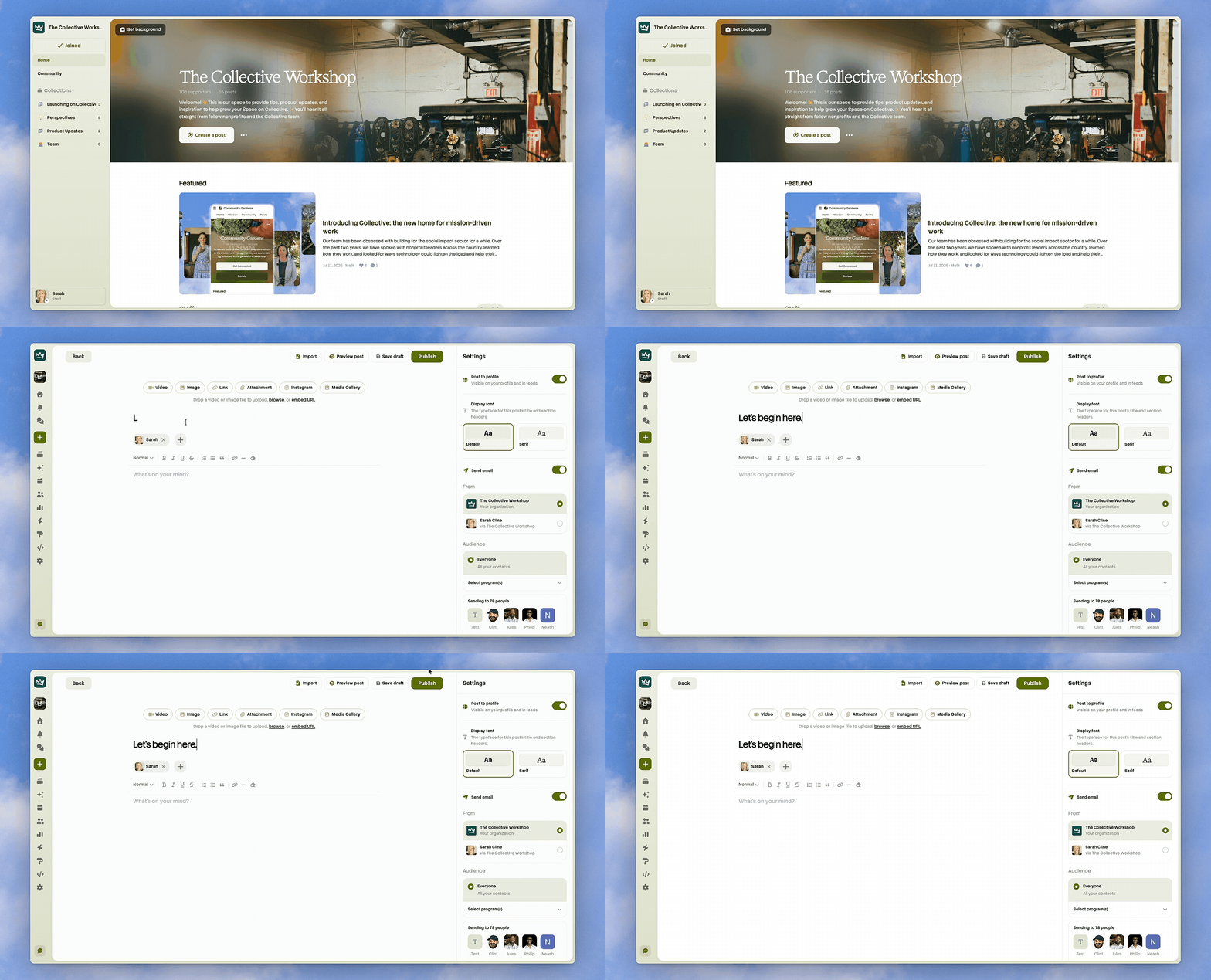
Writing your first Post
Launching on Collective · Jul 1

Your Collective Space, in 10 minutes
Launching on Collective · Jun 29

Your first Program
Launching on Collective · Jun 26

The giving experience on Collective (Part 1: Checkout)
Product Updates · Jun 23
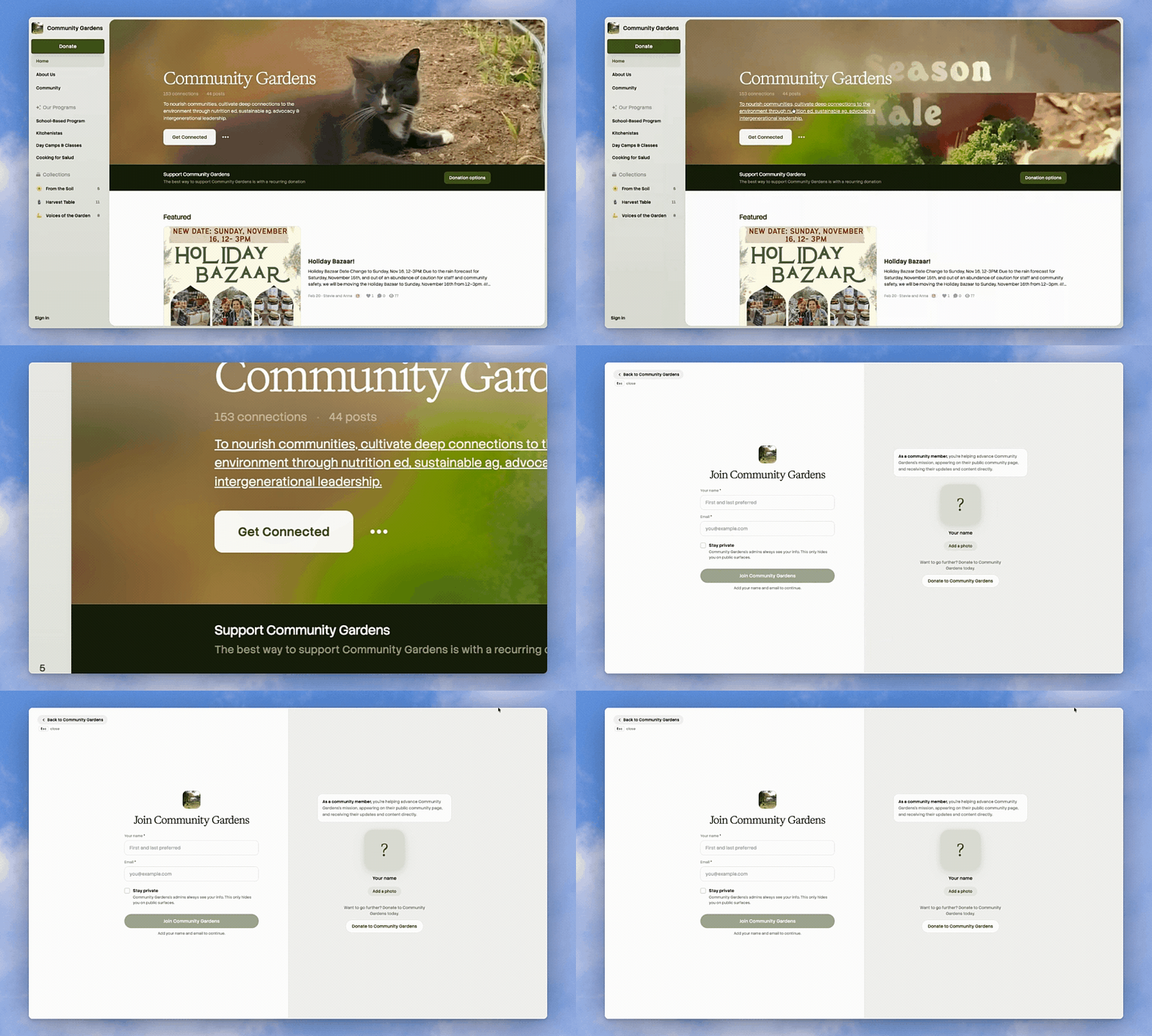
How we designed the Collective Space
Product Updates · Jun 17

Nonprofits should care about the creator economy
Perspectives · Jun 172 likes

Donors Want to Join Your Mission, Not Just Fund It
Perspectives · Sep 8, 2025

Fans Cheer for Teams. Donors Do Too.
Perspectives · Jul 17, 20254 likes


About
Welcome! 👋 This is our space to provide tips, product updates, and inspiration to help grow your Space on Collective. ✨ You'll hear it all straight from fellow nonprofits and the Collective team.

Atlanta, GA
- Based in
- Atlanta, GA
- Website
- getcollective.io