

In an earlier post I wrote about AI training, context, and memory (the three ways an AI knows things). And I explained why the quality of what you give an AI shapes what you get back. (Here it is if you missed it.) This post is a bit of a follow-up. By the end, you’ll know how to set up a tool (with cut and paste prompts) that uses memory and context to get consistently better output from your AI. It takes about ten minutes to build, and it keeps improving for as long as you use it.
The tool is the Projects feature in ChatGPT and Claude. Gemini and Microsoft Copilot offer the same idea under different names: Gemini calls them Gems, and Copilot calls them agents.
If you haven’t used Projects before, look to the upper left of the ChatGPT or Claude interface. You create a new project, give it a name, add “instructions,” and upload documents (called “source documents”) to the project. What makes a project useful is that the instructions and documents stick from chat to chat, so you don’t have to repeat them every time you open a new chat. In effect, a project acts like a standing assistant for one kind of recurring work. It can be your grant writer, a tutor, a study partner, or even a playful persona that performs tasks for you.
Here I’ll show you one practical example: an editor.
The Editor
I built my first editing project as a way to push back against sloppy AI writing that was padded, overly confident, abstract, or just trite. I initially began writing a list of instructions: don’t use passive voice, write shorter declarative sentences, don’t say things that aren’t true. The list kept growing, and I quickly realized that I wasn’t going to be very successful at succinctly describing good writing. I needed an expert’s help. And I found one, George Orwell. He died 76 years ago, but he left behind an essay about how to write well: his 1946 essay Politics and the English Language. Orwell wrote it long before AI, but he was worried about the very bad writing that we often get from AI: basically, language that sounds impressive and says nothing.
Building the Project
How did I resurrect Orwell? ChatGPT. I asked the AI to produce project instructions based on Orwell’s advice in the essay. It also wrote a detailed summary of the essay to upload as a source document to a new project. I told it something like: “Draft project instructions for an editor that applies Orwell’s advice to my grant writing. Then write a one-page summary of the essay I can upload into the project as a source document.”
Here are the instructions that I used. Copy and adapt them if you like:
Basic Set Up
- Create a project. Call it Editor.
- Write your own instructions or paste mine into the “instructions” field and tweak them, e.g., change the audience to your readers.
- Upload the short Orwell summary as a source document, the whole essay, or any other writing guide you’d like, plus a few writing samples you consider excellent.
That’s the setup. Now every chat in that project starts with your standards already loaded. Paste in a draft and ask for an edit pass.
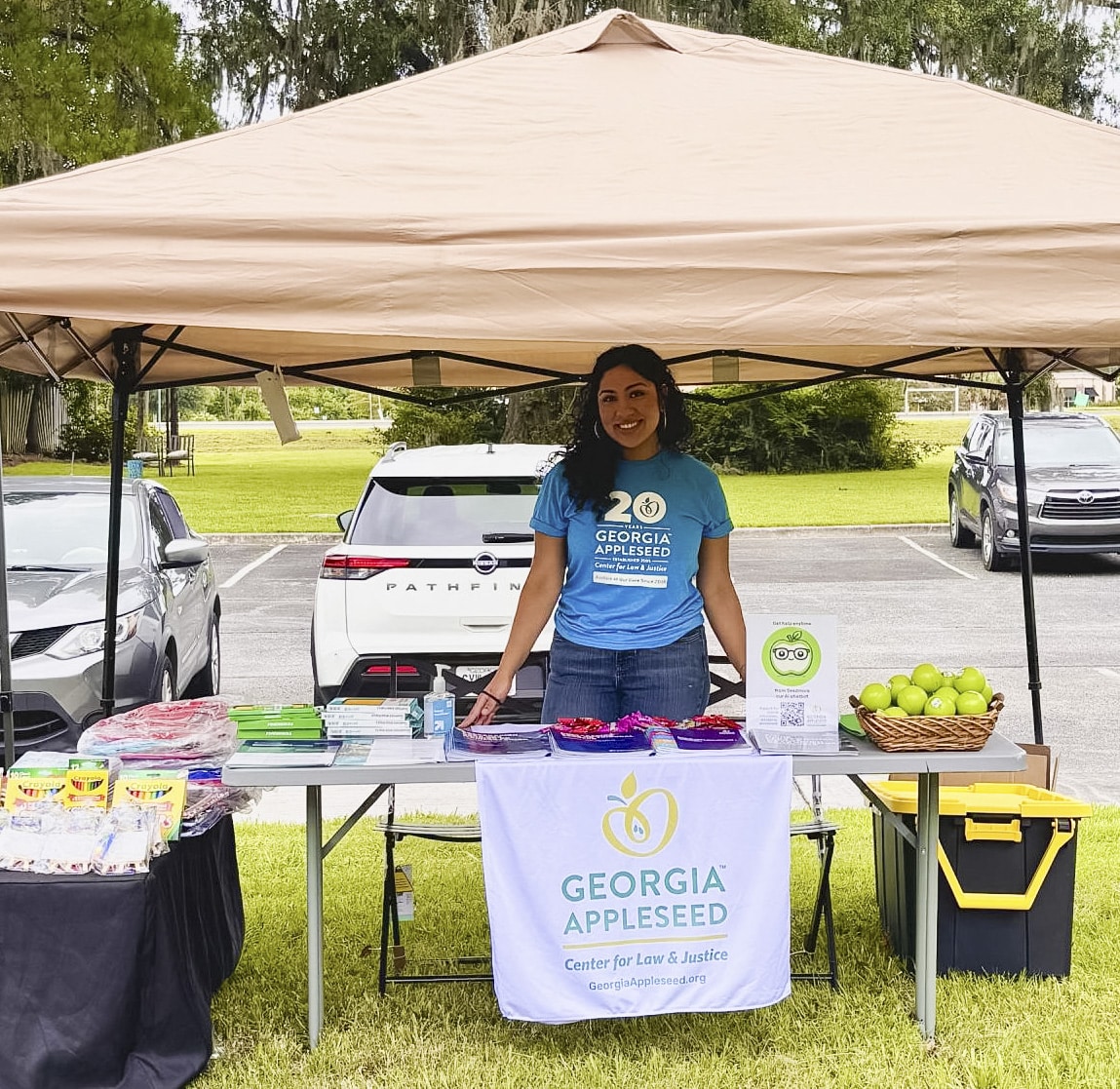
You’ll notice the difference immediately. For this blog post, I asked Claude the following question (once without a project or instructions and then again within a project with instructions and source docs): “Why is Georgia Appleseed important?”
Answer one (no project and no instructions or source docs):
Answer two (with a project, instructions, etc.):
I’d still make some edits to answer 2, but it’s a big improvement to answer 1.
Make It Better Over Time
You can improve the editor over time.
First, teach the editor your specific tastes and preferences. Give the project a weak draft (an AI-generated one works fine) alongside a strong final version you edited. Then ask the AI to extract your preferences. Tell it something like: “Here are two versions of the same document: a first draft and my edited final. Compare them and write a two-page guidance document capturing my preferences. I will add it to this project.” Add what it writes to the project’s source documents.
Then make updating that document a habit. Every so often, compare the project’s drafts against your edited finals and ask the AI to update the guidance document to match. Think of it as manual tuning. The editor sounds a little more like you with every update.
Coming in a Future Post
There is a more advanced approach: building a broader “knowledge workspace” on your own computer with Claude Cowork, Claude Code, ChatGPT Work, Codex, or another agentic harness. With a system like that, the learning and improving happens as part of the drafting process instead of as a monthly chore. That setup deserves its own post.
In the meantime, I’ll give you a taste of what richer context produces. I asked my Claude Code knowledge workspace the same question as above: Why is Georgia Appleseed important?
For now, try out a project. And if you build yourself an editor, Orwell or otherwise, let me know how it goes.